Official skins
Organize available official champion skins.
 FREKANS.STUDIO / INDEPENDENT
Explore FrekansLoL Skin Changer for Windows, supported champion skins and custom mods. See the Skin Studio interface, setup steps, license and Riot policy information.
FrekansLoL focuses on official champion skins and compatible custom packages, with an independent Windows skin changer interface.
Organize available official champion skins.
Manage compatible community skins.
Keep your library organized.
Handle compatible custom mod packages.
Manage your license in the desktop app.
Follow verified application releases.
No guarantee of compatibility with every patch or skin.
Explore real development screenshots of the FrekansLoL Skin Studio and costume library. The released interface may vary.
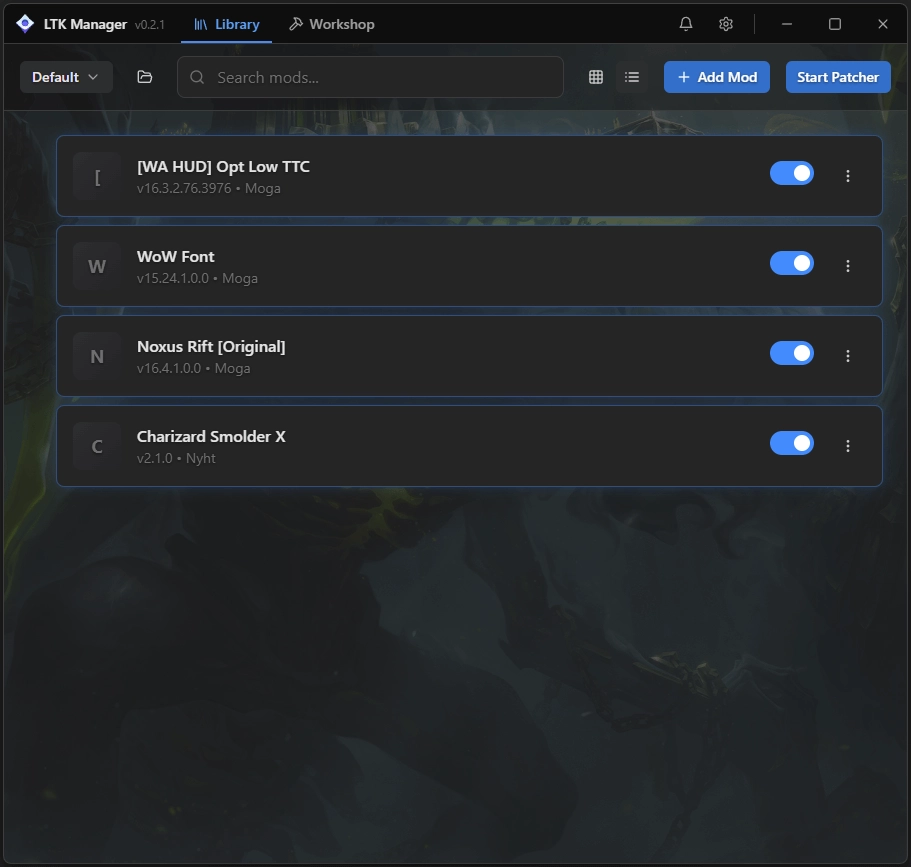
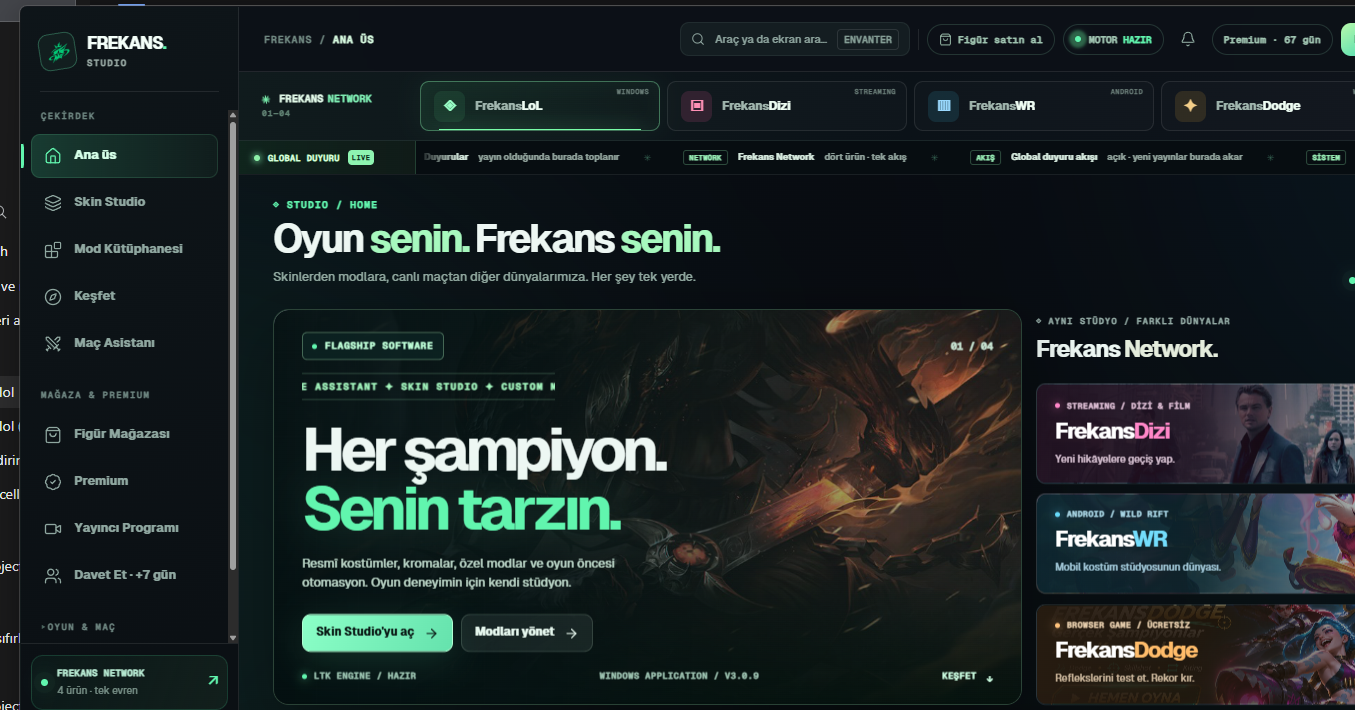
Official Riot skins and community-created custom skins are different. FrekansLoL supports selected skin and mod packages, but a local appearance change does not add permanent skin ownership to your Riot account.
The installer is free to download; using FrekansLoL requires a Premium license. Compatibility and account restrictions depend on the current game and Riot policies.
An independent community project not developed or endorsed by Riot Games.